


Photo culling and editing for every shoot, from the card to the client.
Every frame is marked Keep, Review or Archive with a short note on why. Your look goes on the keepers, you check them at full size, and your client gets a gallery to favourite, approve and download.
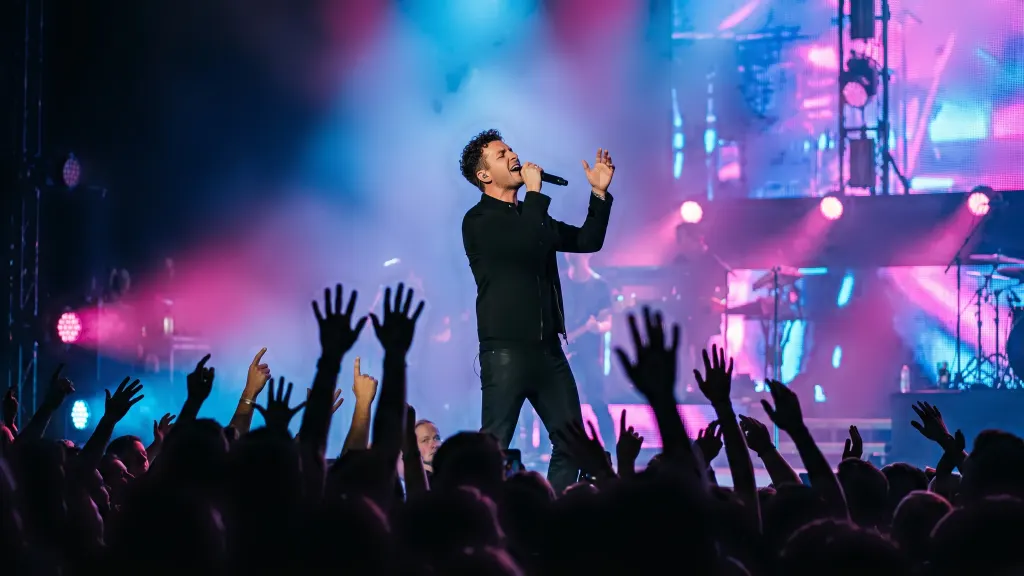
KeepConcert: stage colour kept exactly as the lights made it.
Three marks on every frame. You make the call.
Thousands of frames become a short list you can trust. Change any mark with one key; nothing is ever deleted.
See the whole job, from the first pass to the client's gallery.

Cull
The whole card in one grid, every frame marked with a reason, bursts stacked, blinks flagged. Keys K, R and A change any mark.
How the culling works
Edit
Your look on every keeper, then sliders, masks, face retouch and crop for the frames that need a hand. Copy a fix to the whole burst or scene.
Editing and looks
Check
Every edit checked before the client sees it: clipped highlights, skin colour shifts, size and metadata. Approve the passes in one click.
The quality check
Deliver
A clean gallery under your studio's name. Clients favourite, approve, ask for a redo and download everything as a ZIP.
Client galleriesTuned for the way you shoot.
A concert forgives grain and colour casts that a product shot never would. Each kind of shoot gets its own idea of a fault, and its own looks.
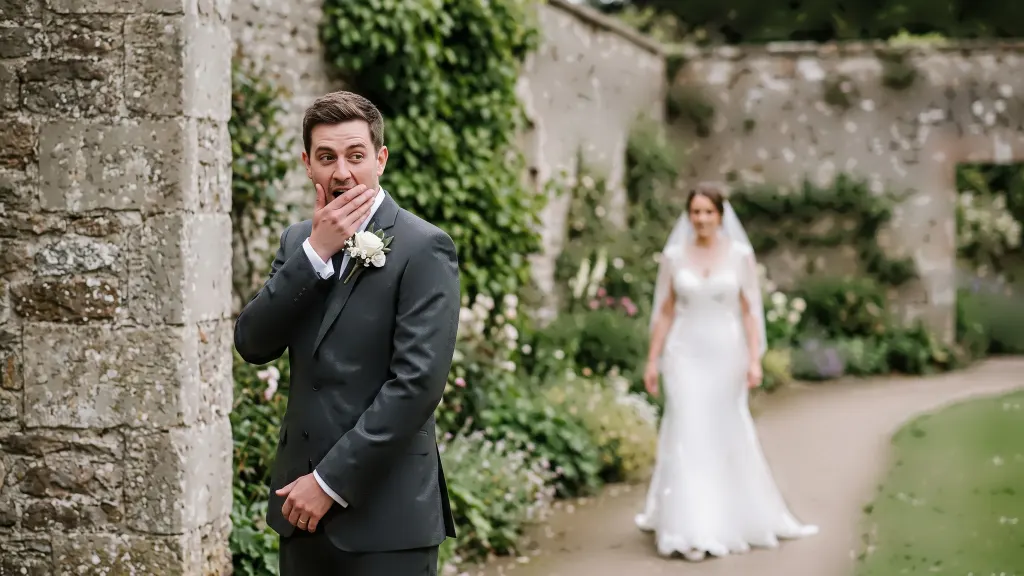

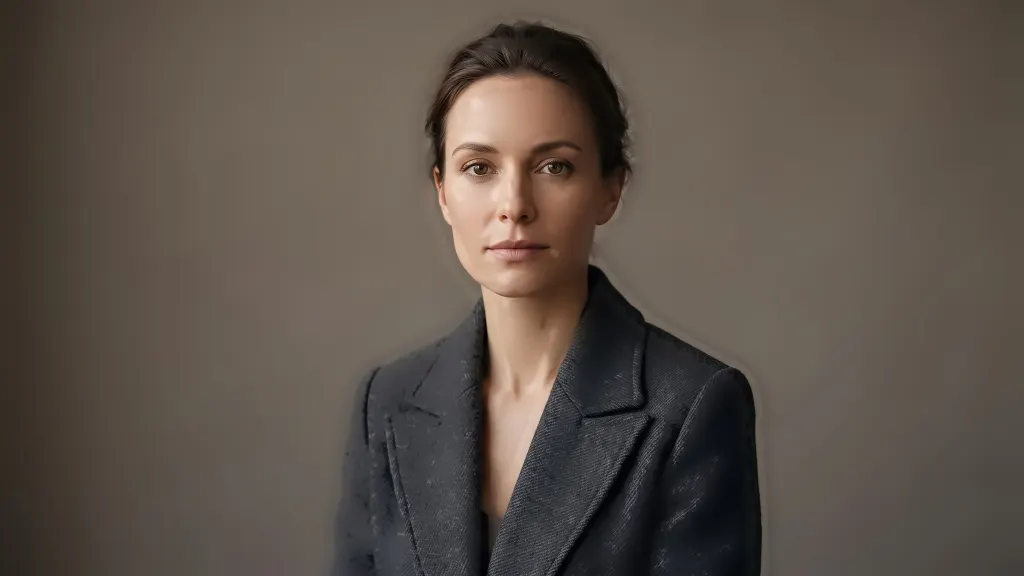







Card, cull, edit, gallery. All in one place.
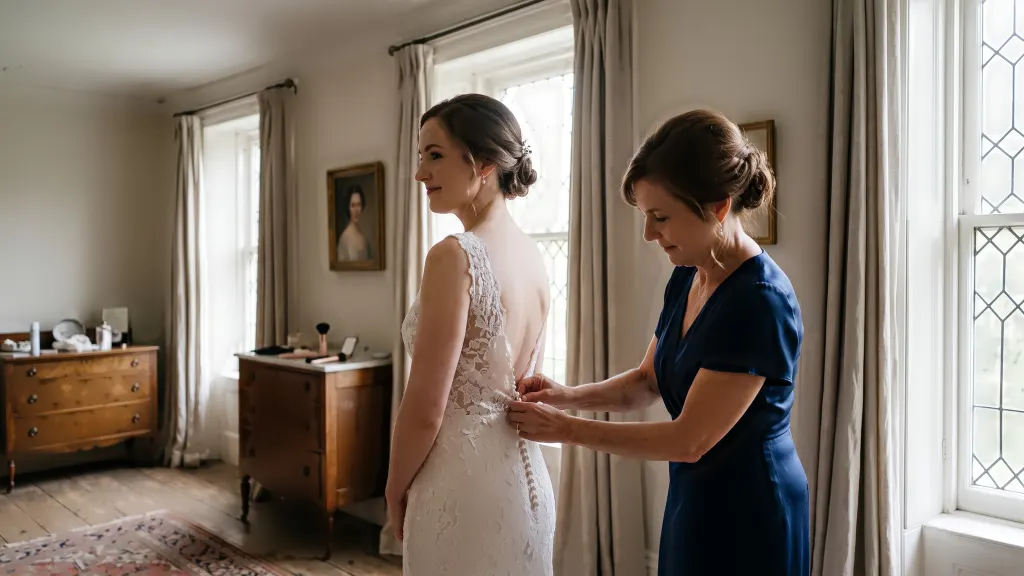
Card
Copy straight from the card or a folder. Two shooters and two cameras land on one timeline.
Cull
Keep, Review or Archive on every frame, with the reason written beside it.

Edit
Your look on every keeper. Any frame can still be fixed by hand.

Gallery
Favourites, approvals, redo requests and downloads for your client.

A look for each shoot, picked by you.
Fifty-four of them, from true-to-camera to film and black and white. Cultural looks are chosen per project, never guessed from the people in the frame.
See all 54 looksColours in a finished JPEG. Your RAW file holds far more room than that.
A JPEG keeps 256 steps of brightness per channel. A 14-bit RAW keeps 16,384. That headroom is where a dark dance floor, a backlit veil or a sunset sky gets rescued, so CullTone edits from the RAW and writes each JPEG once, at the end.
Why a pushed sky breaks into stripes.
Push an 8-bit file hard and the smooth blue of a sky breaks into stripes, because there were never enough steps between one blue and the next. The same push from a RAW stays smooth. Every number below is a fact about the file format, not about any camera.
- 8-bitJPEG16.7 million256 levels a channel
- 10-bitHDR video1.07 billion1,024 levels
- 12-bitMany RAWs68.7 billion4,096 levels
- 14-bitMost RAWs4.4 trillion16,384 levels
- 16-bitTIFF, editors281 trillion65,536 levels
Colour, light and skin. The parts clients notice first.
A couple won't name a tone curve, but they'll tell you their skin looks wrong. Six short guides on the colour decisions behind every edit, written for working photographers.
Colour theory for photographers
Complementary, analogous and triadic colour, and why the painter's wheel is the wrong one for editing.
GuideWhite balance and colour temperature
Candle at about 1,900 K to open shade near 8,000 K, and when not to correct the warmth at all.
GuideSkin tones in every complexion
Why light and deep skin sit on the same line of a vectorscope, and the edits that push them off it.
GuideBit depth: RAW against JPEG
256 levels or 16,384, what the 4.4 trillion figure really counts, and when the difference shows.
GuideTone curves, read like a map
The S-curve, faded blacks and held whites, and which of the looks use each one.
GuidesRGB, Adobe RGB and Display P3
Which colour space a client gallery, a phone and a print lab each expect, and the one to deliver in.
GuideMoving from another tool?
Culling, editing, the quality check and the client gallery come in one plan, priced by seats and storage instead of by photo.
for 30 days, the whole workflow.
Cull, edit, check and deliver a real shoot. After that, plans start at $9 a month, priced by seats and storage, never per photo.
Questions photographers ask.
What does CullTone run on?
A Mac with Apple silicon. The cull and the edits run on your Mac; your clients open their gallery in any browser, and you can review on a phone in the browser too.
Can I still finish in Lightroom?
Yes. Every photo can travel with an XMP sidecar carrying its rating, colour label, the reason and the edit settings.
Do I pay for each photo?
No. Plans are priced by seats and storage. Culling and editing are unlimited on every plan, from $9 a month.
Will it delete anything?
Never. Archive is a pile, not a bin, and every mark can be changed back with one key.
Bring your next shoot.
Thirty days, one seat and 2 GB for the gallery. No card needed while billing is in beta.